Dashboard
A local web page showing everything the bot has done. It is read-only: it reads the journal and
scheduler files, never connects to IBKR, and listens on 127.0.0.1 only. It refreshes every 60
seconds and follows your system theme (or use its Theme button).
- Native: http://127.0.0.1:8765 (LaunchAgent
com.guardrail-trader.dashboard), or run.venv/bin/python scripts/dashboard.pyby hand. - Docker: the
dashboardcontainer publishes the same URL.
Screenshots
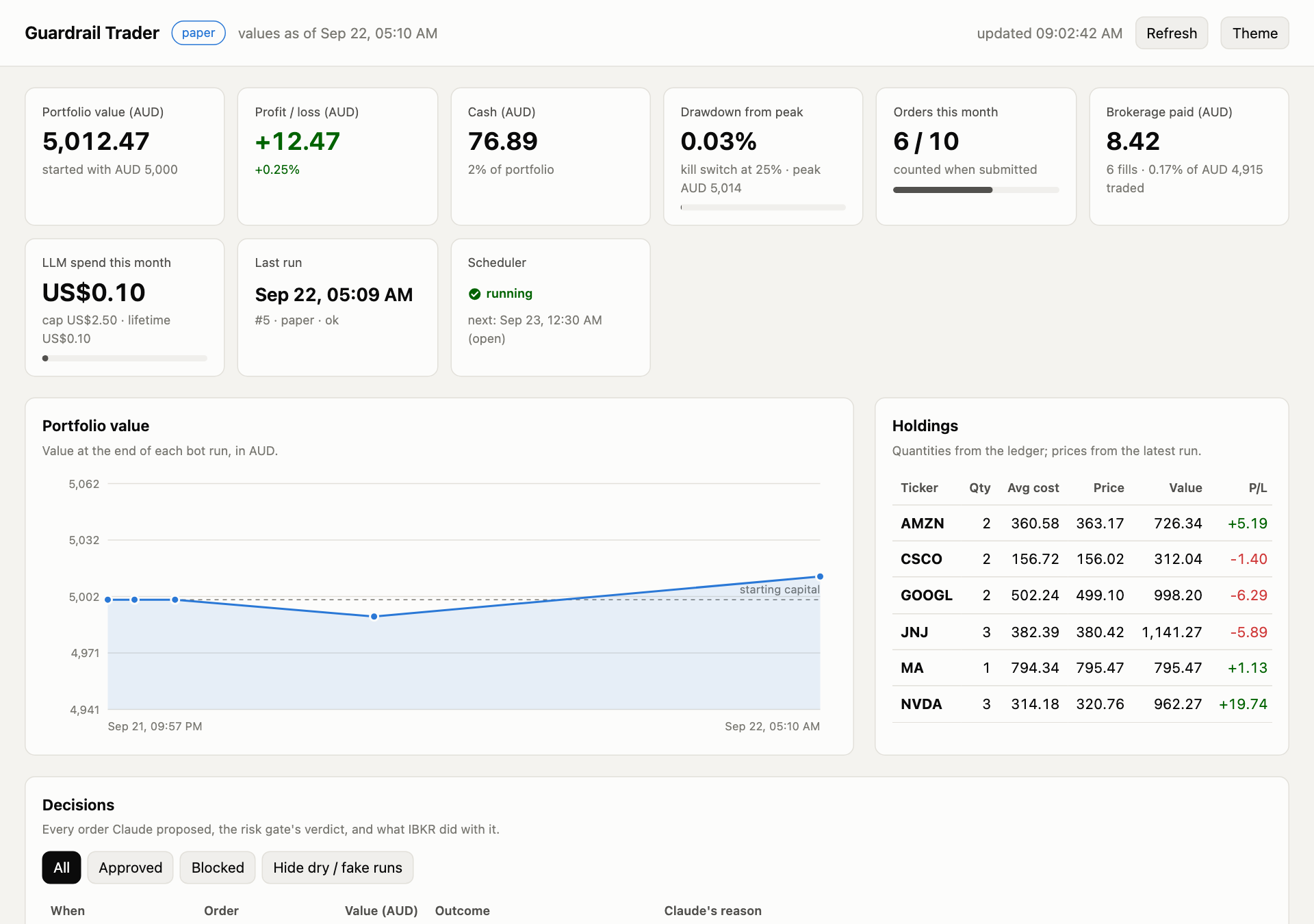
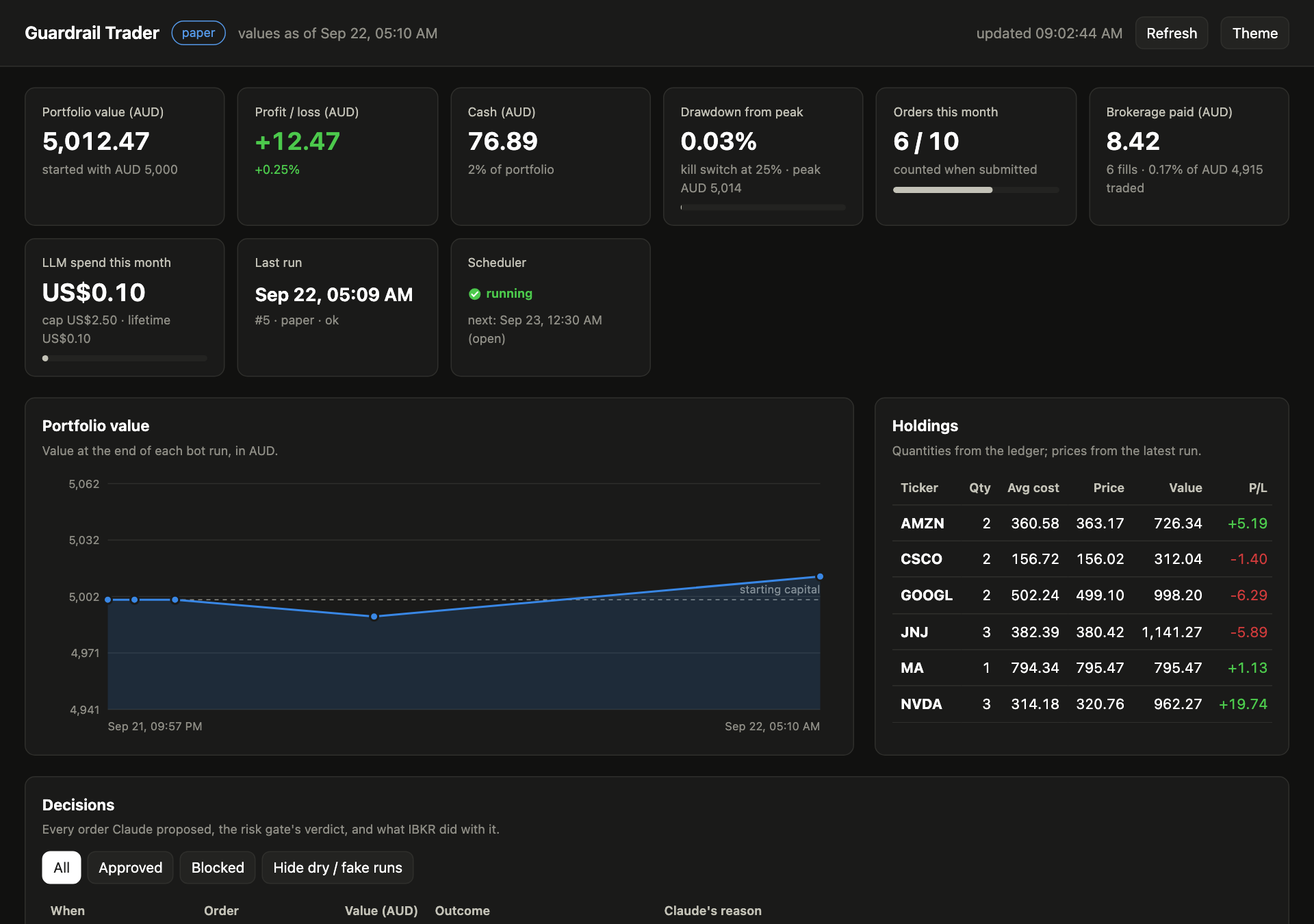
Taken from a real paper account with scripts/screenshot_dashboard.py
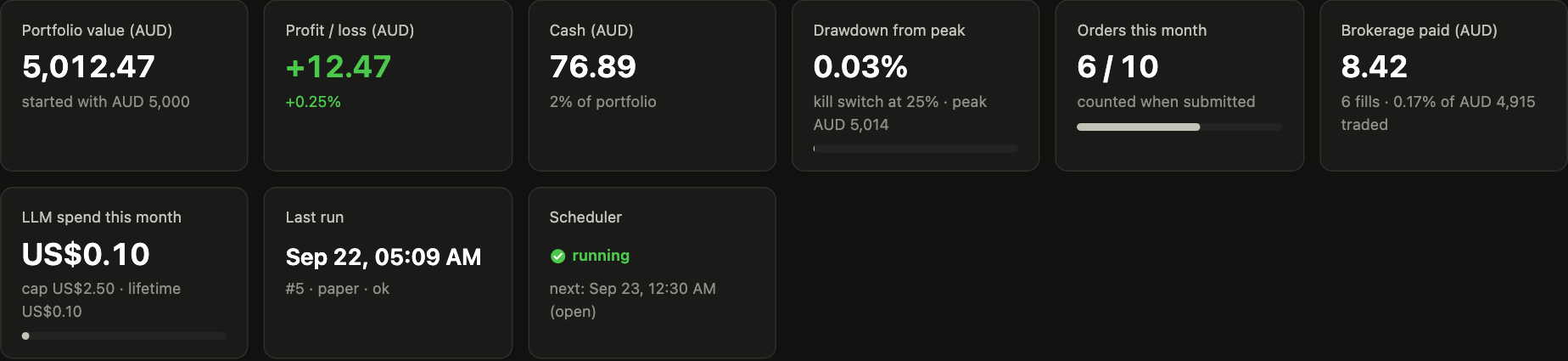
(Playwright), once per theme. Switch this site's theme to see the matching version.
Summary tiles
| Tile | Meaning |
|---|---|
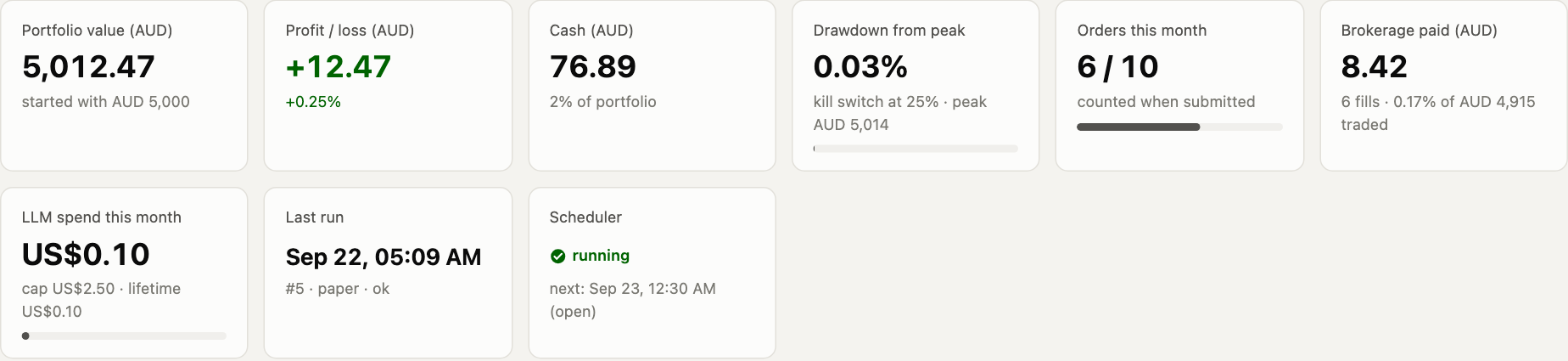
| Portfolio value | Cash plus holdings at the last run's prices, in the base currency |
| P/L | Against the total deposited (the ledger), so a top-up is not counted as profit |
| Cash | The bot's virtual cash (its ledger, not the whole paper account) |
| Drawdown | Fall from the peak value, with a meter towards the kill switch |
| Orders this month | Used vs max_trades_per_month |
| Brokerage paid | Commission on booked fills (base currency), fill count and % of traded value |
| LLM spend | This month vs LLM_MONTHLY_BUDGET_USD |
| Last run | Time and status of the most recent run |
| Scheduler | Running or silent (from the heartbeat), plus the next slot in local time |
If the kill switch has fired, a red banner shows the reset command.
Portfolio value and holdings
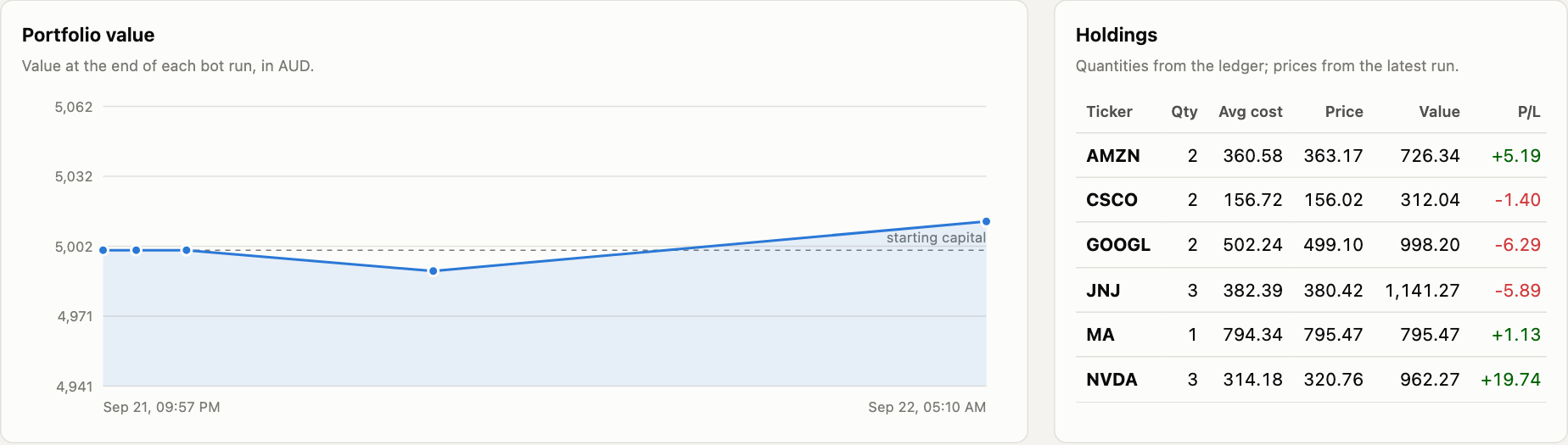
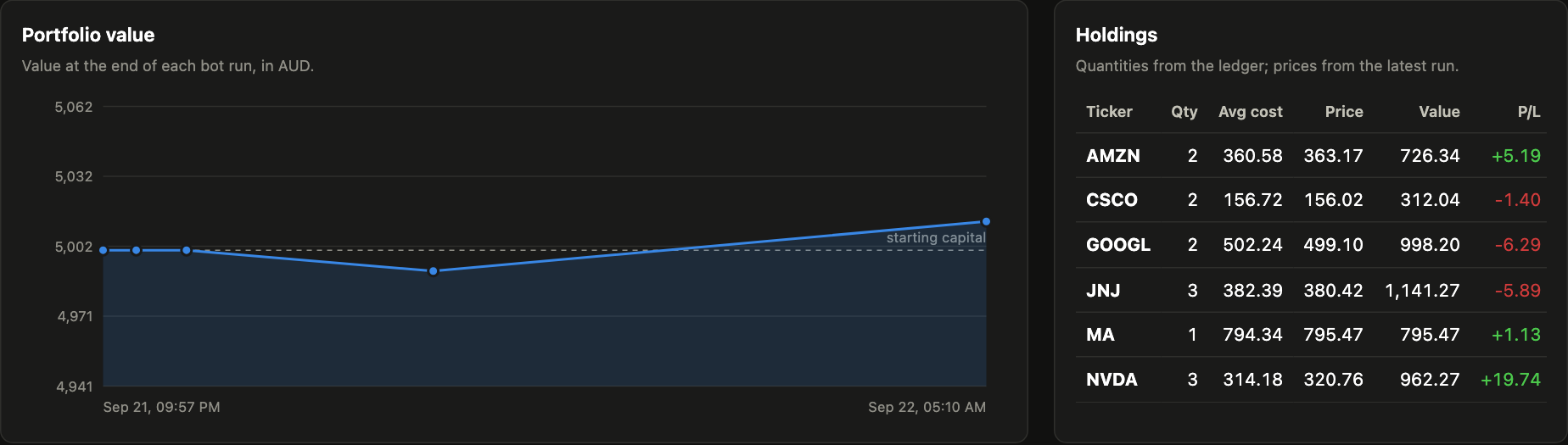
The chart plots the value at the end of each run against a dashed line of capital deposited (it steps up at each top-up); hover for
run details. Holdings show quantity, average cost (including commission), last price, value, P/L
and weight. Prices come from the snapshots the journal writes at the end of each run, so the
dashboard needs no broker connection.
Time window for the tables
Decisions, Runs and Fills start with the latest 2 trading days and share one window. The bar above
Decisions says what is shown (Decisions 5 of 18 · Runs 4 of 28 · Fills 5 of 11) and has Show 2 more
days, Show all and Back to 2 days.
- A trading day is a US/Eastern calendar date that has at least one run, so the open and close slots share a day and weekends or holidays don't use up the window.
- The window only affects those three tables. The value chart, KPIs and holdings always use the full history.
- The same window is available from the API:
/api/data?days=2(default),?days=7,?days=all. Anything else returns HTTP 400. "All" is capped at 5,000 rows per table. - It resets to 2 days when the page is reloaded. The 60 s auto-refresh keeps the window you chose.
Decisions
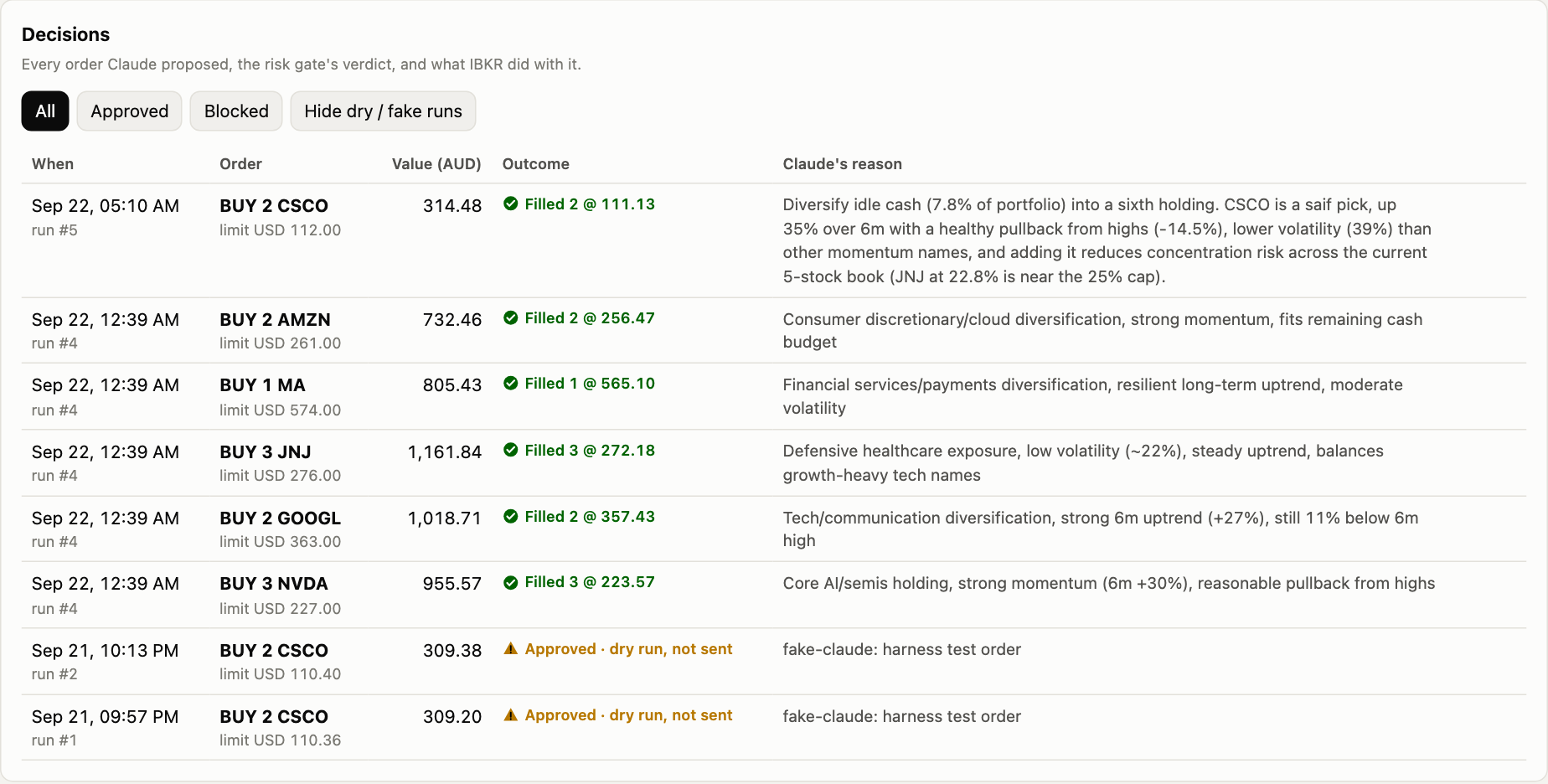
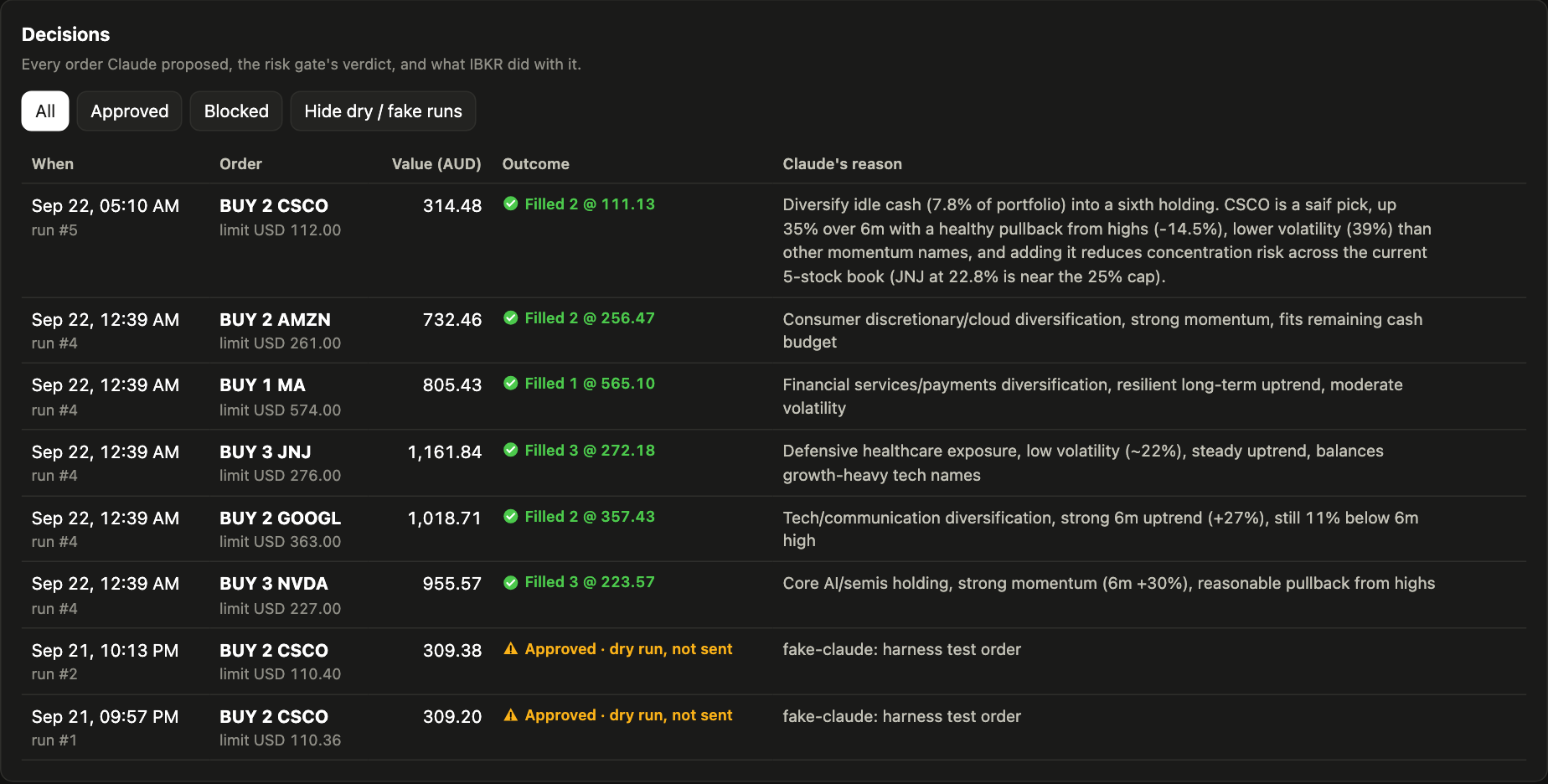
Every order Claude proposed, with the gate's verdict (and block reasons), what IBKR did with it (filled, partial, not filled, dry run) and Claude's own reason. Filters: all, approved, blocked, and hide dry/fake runs.
Runs and transcripts
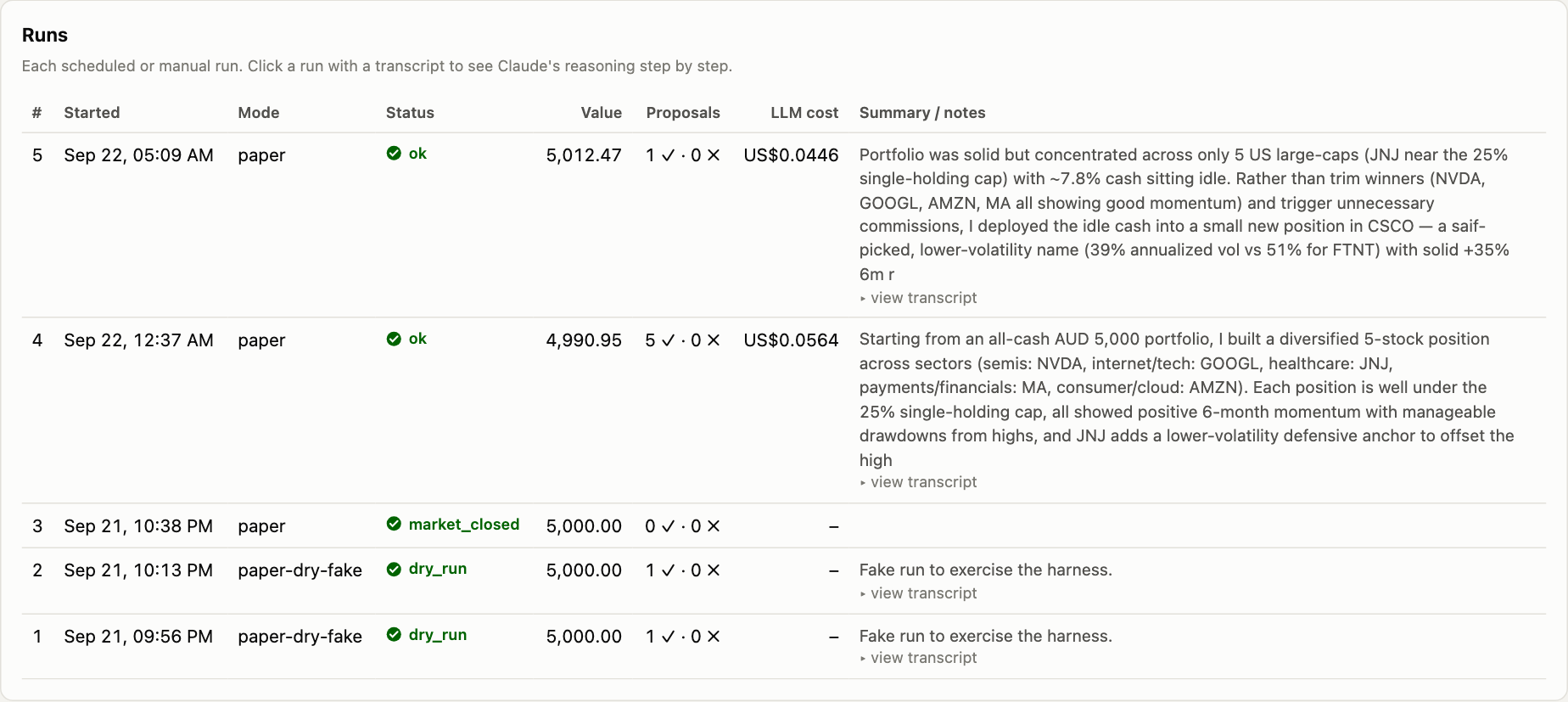
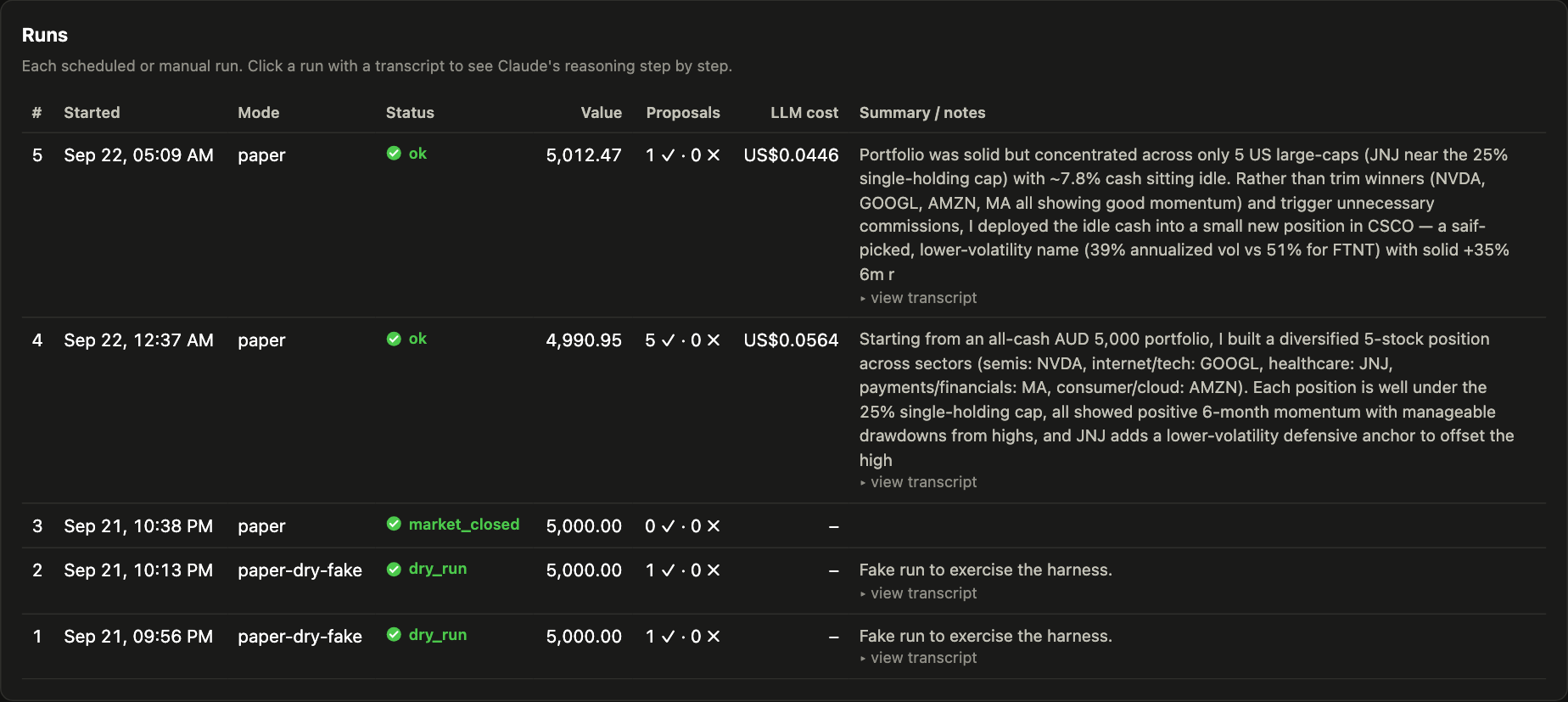
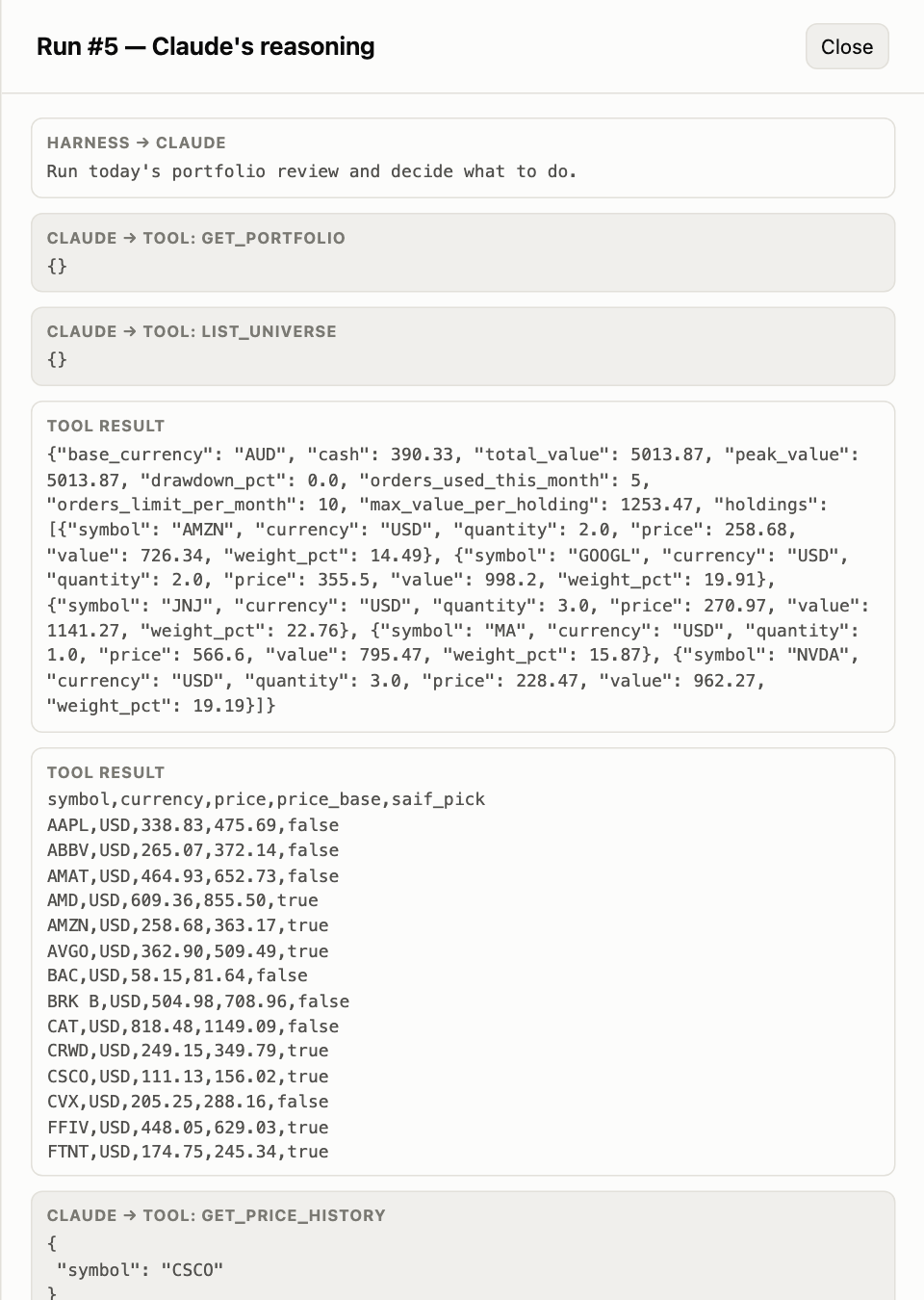
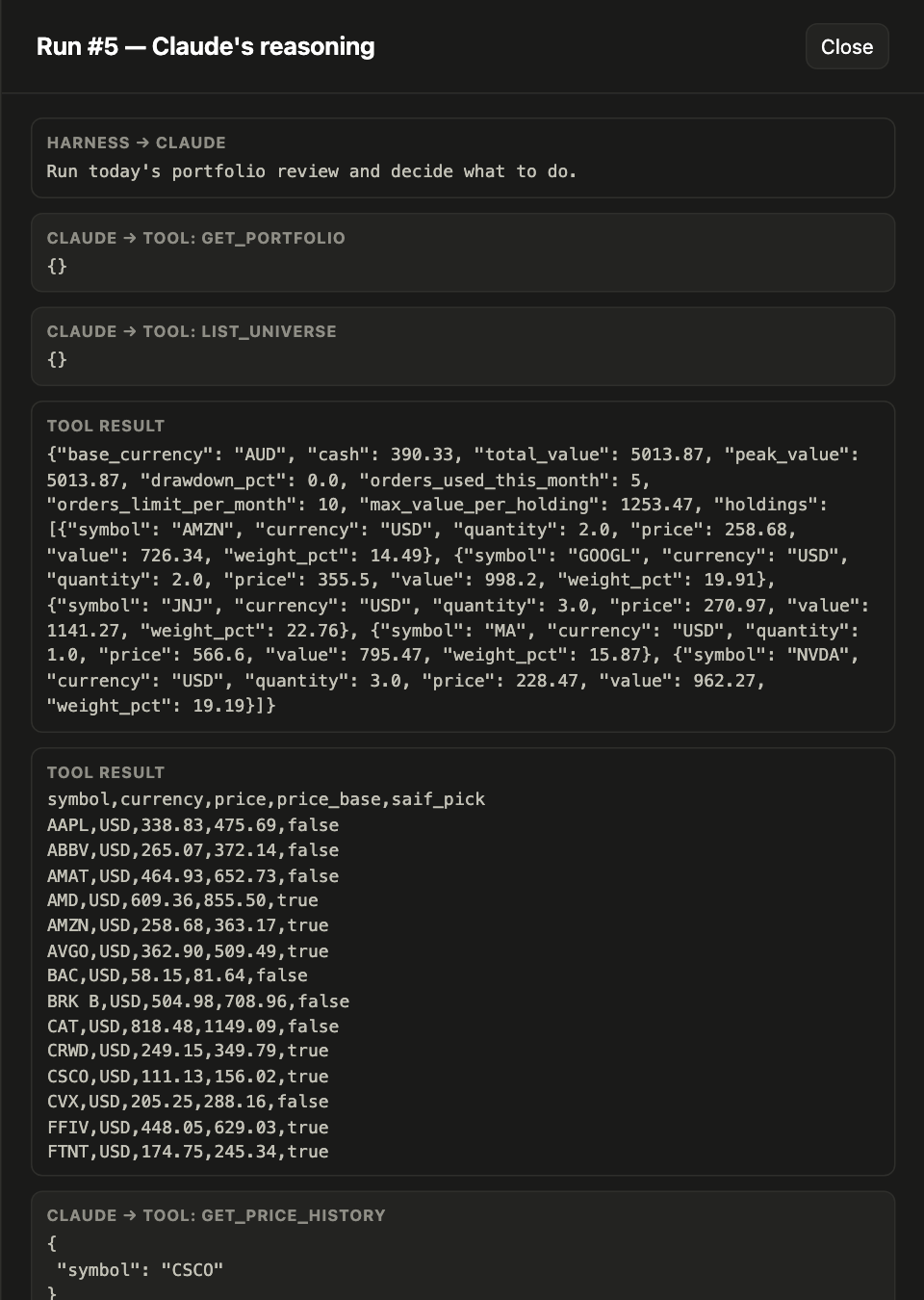
One row per run: mode, status, value, approved/blocked counts and LLM cost. Click a run to open Claude's step-by-step transcript, with every tool call and result:
Fills and LLM spend
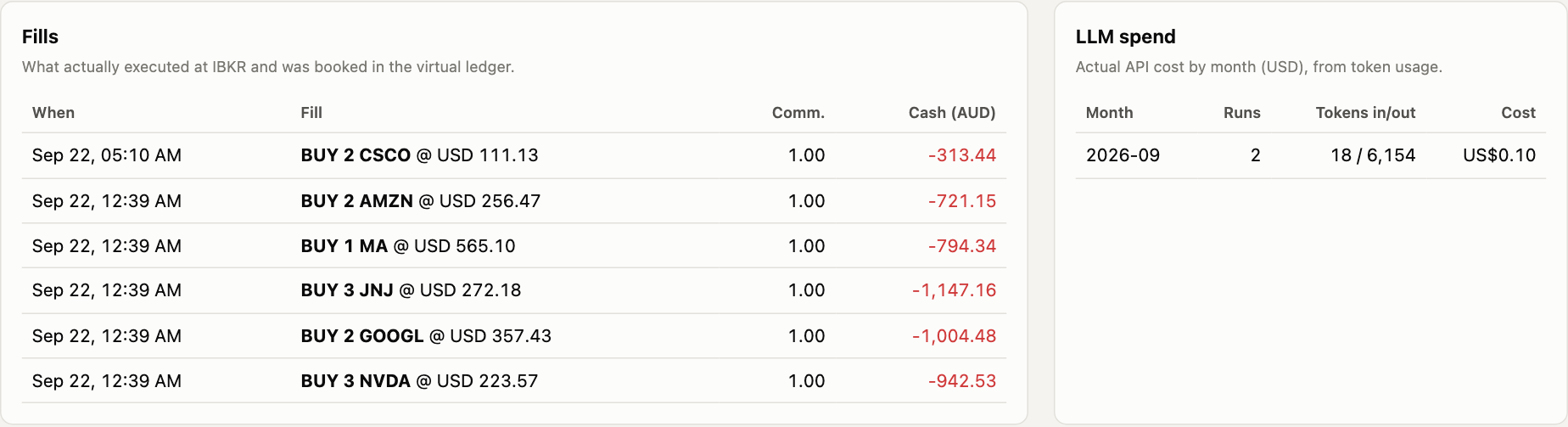
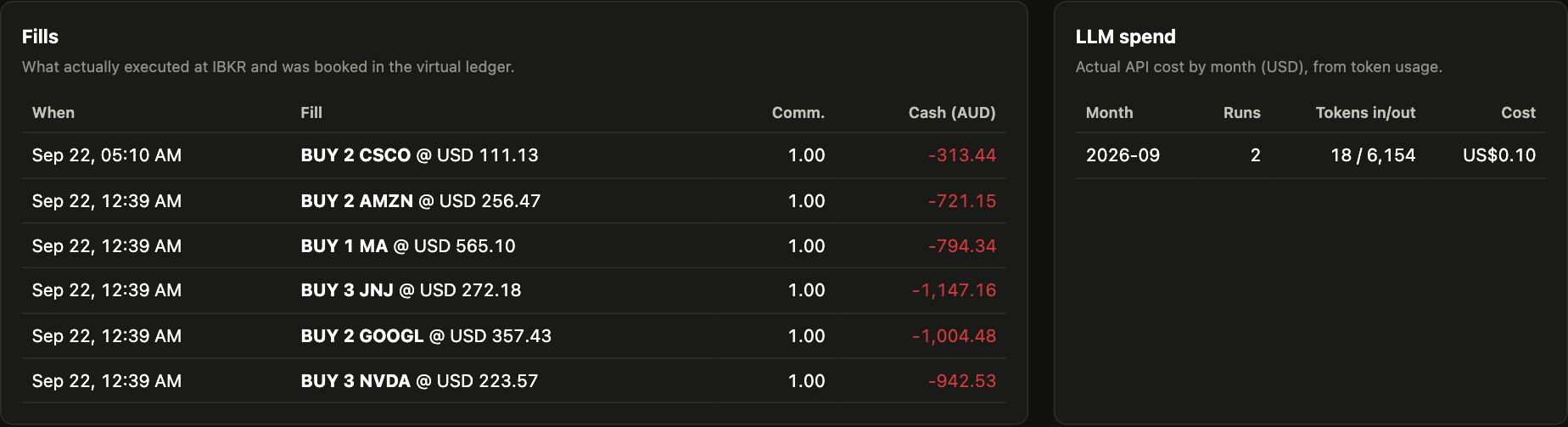
Fills are what actually executed at IBKR and was booked in the ledger. LLM spend is cost, runs and tokens per month.
Where it's implemented
| Piece | File |
|---|---|
HTTP server (standard library; /, /api/data, /api/transcript/<run_id>) |
scripts/dashboard.py |
| Data layer | guardrail_trader/dashboard_data.py → build(), transcript() |
| Page (HTML/CSS/JS, inline SVG, no external dependencies) | guardrail_trader/web/dashboard.html |
Regenerating the screenshots
.venv/bin/pip install -e ".[screenshots]"
.venv/bin/python -m playwright install chromium
.venv/bin/python scripts/screenshot_dashboard.py    # dashboard must be running on :8765